

위로
아래
테스트 환경

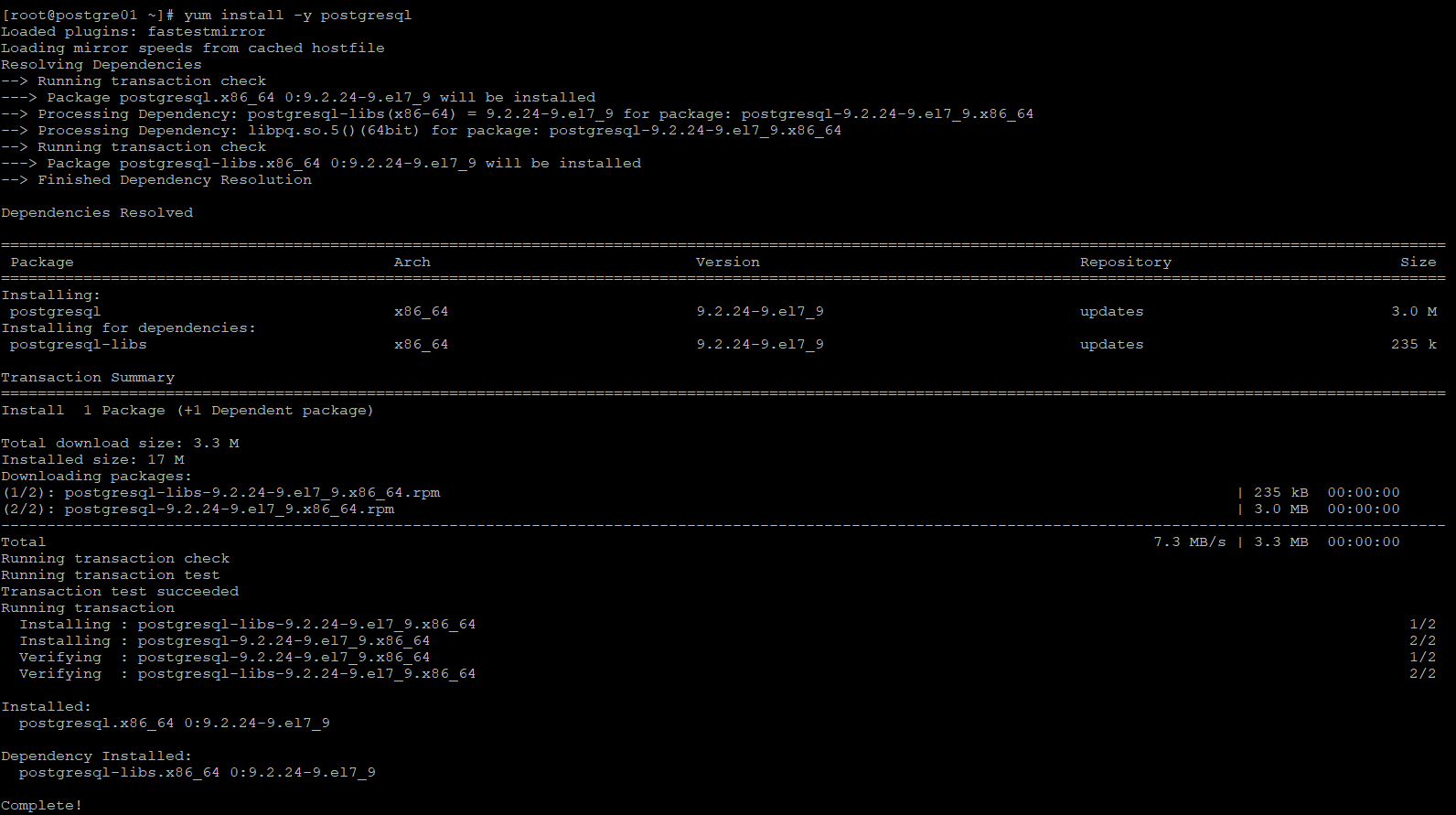
yum install -y postgresql
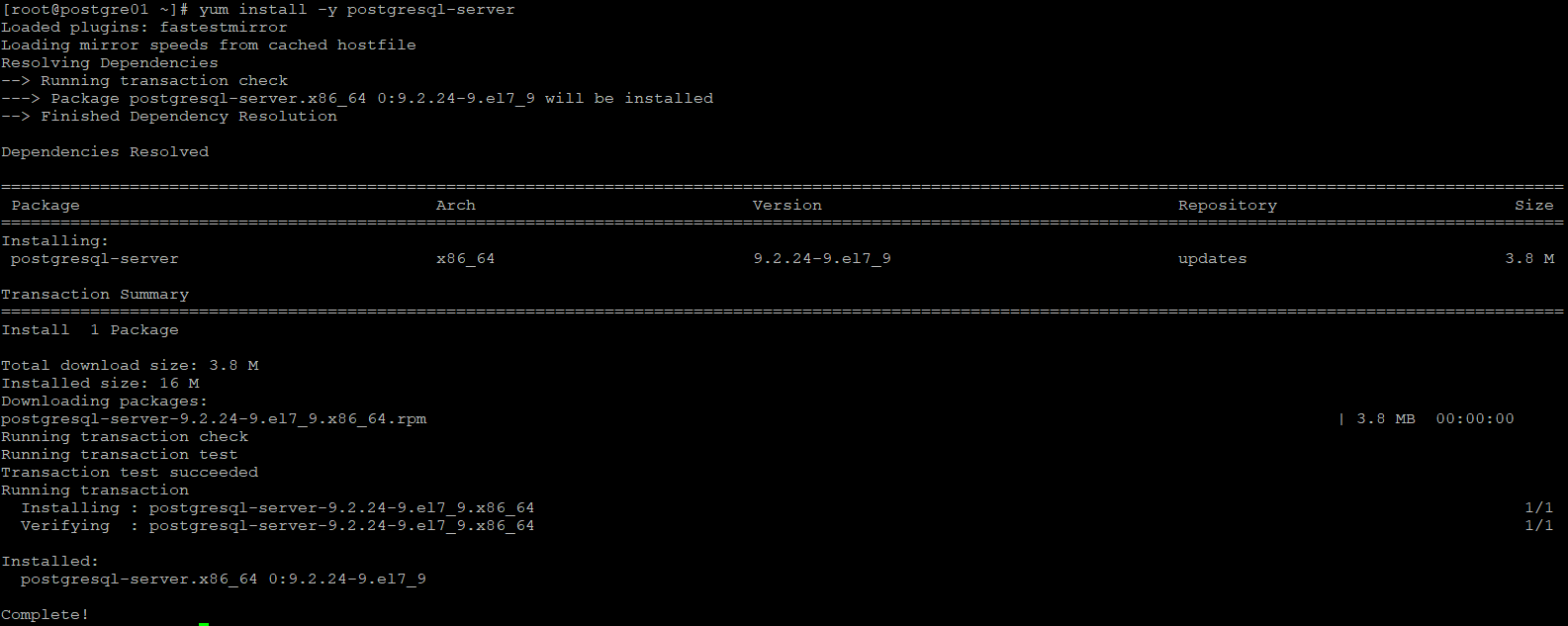
yum install -y postgresql-server
postgre id 확인
id postgres

계정 정보 파일 확인
ls -l /usr/lib/systemd/system/postgresql.service

DB 초기화
postgresql-setup initdb

처음엔 DB가 꺼져있다

DB 켜기
systemctl start postgresql

계정 전환
su - postgres
(postgre는 root로 열 수 없다)

DB 진입
psql
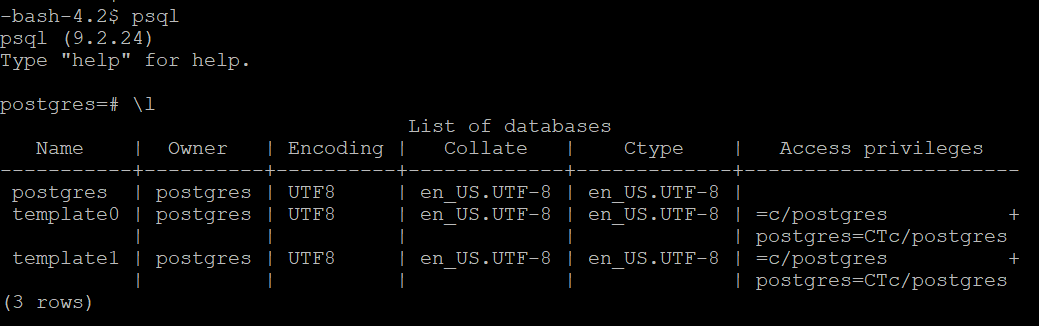
버전 확인
psql --version

default 계정 정보
host : localhost
database : postgres
username : postgres
리눅스(CentOS)에서 postgresql을 설치해보자!
안녕하세요. 야생에서 등장한 하프개발자 입니다 😊 미루고 미루던 postgresql 포스팅을 해보려 합니다 📝 목차 Yum으로 설치 1. postgresql 라이브러리 설치 yum으로 postgresql을 설치해주도록 합시다. y
hdev1004.tistory.com